
Screenshots from the Stoxa app on 2026-11-02. Figures in them are examples from that date and will differ from current output.
Stoxa tracks eight house strategies live from their launch date, with every rule public. This guide reads one strategy page, follows it with a paper portfolio and keeps the portfolio in step. Each strategy’s origin and exact rules are in The eight house strategies, and how to judge a live record in Reading a live strategy.
Compare the strategies
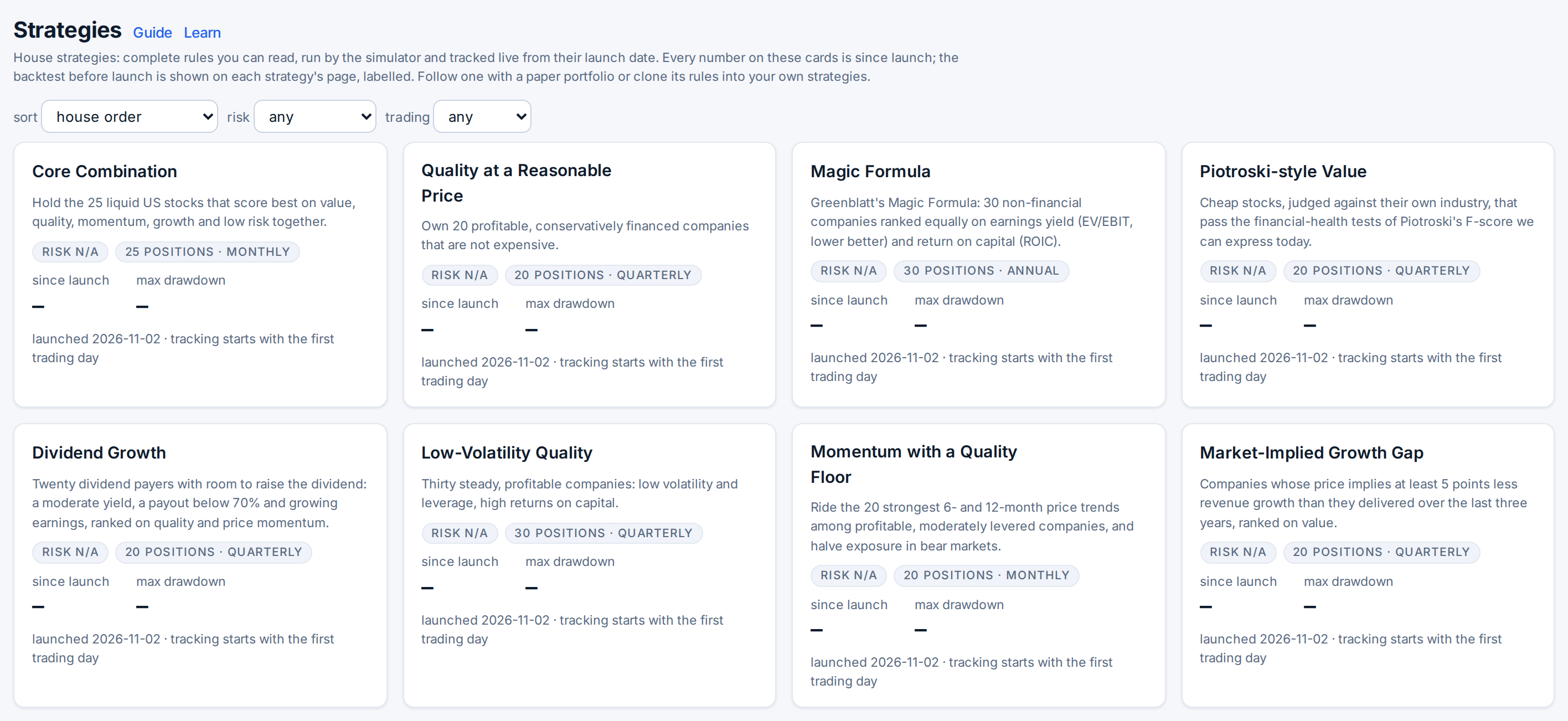
Open Strategies in the top bar. Each card shows the aim, the risk score (1 to 5), the trading commitment (low, medium, high), the number of positions and the rebalance frequency, and the return since launch with a small chart. Sort by return since launch, smallest drawdown, lowest risk or oldest launch, and filter by risk and commitment. Every number on a card is since launch.
Read the strategy page
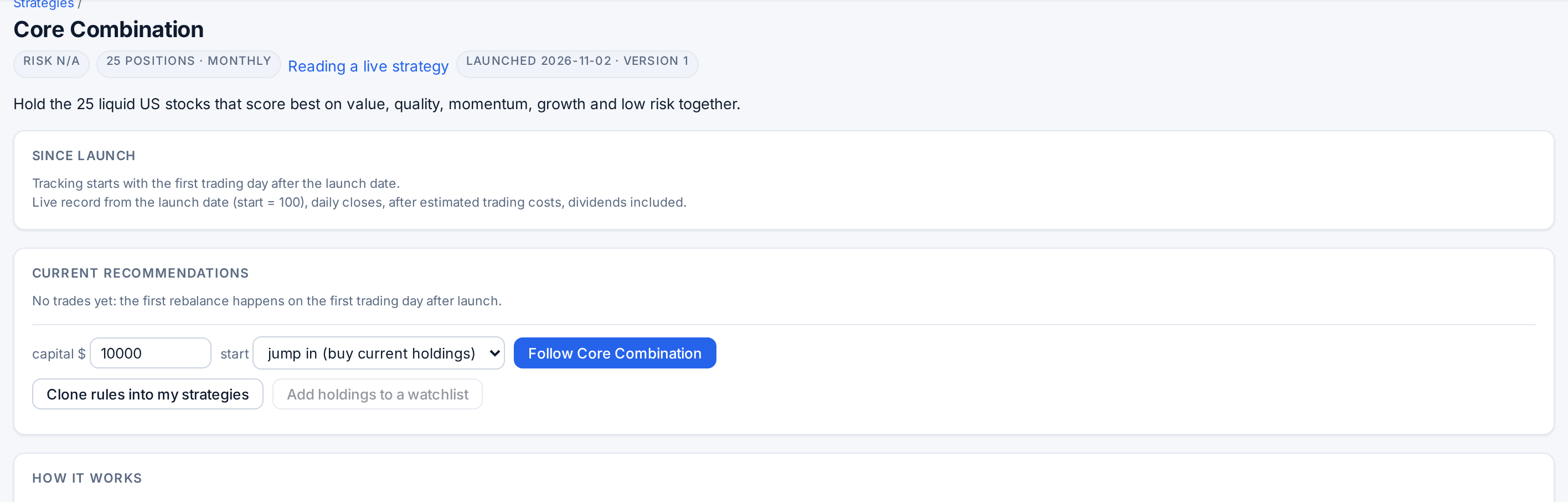
Open a card. Since launch shows the live record: Return, CAGR (after a full year), Max drawdown, Volatility and vs SPY. How it works gives the Why, the Rules generated from the definition the simulator runs, who it Suits, the Risk and Trading notes and any Approximations of a published method.
The “Excess return by year” chart shows the backtest before launch in grey and the live years in blue. The grey bars are in-sample: the rules were written knowing those years. Only the blue ones are a record.
Check the labels: risk, commitment, capacity
Labels are computed from the record. The risk score ranks the strategies against each other on trailing volatility, drawdown and number of holdings. The trading commitment adds points for the rebalance frequency and the average trades per rebalance. The liquidity floor and maximum recommended capital say how much money the strategy can take before your own orders move prices; the follow form warns if you enter more.
Follow it: jump in or scale in
Enter your capital, choose jump in (buy current holdings) or scale in (new buys only), and press the Follow button (it carries the strategy’s name). Jump in buys every current holding at its model weight at the latest close; scale in starts in cash and takes only positions the model opens from now on. The portfolio is paper: Stoxa does not place orders with a broker.
Keep it in step: drift and the rebalance diff
Open Portfolios. Each portfolio is marked to market every night; the badge says in sync or shows the drift, how far your weights are from the model’s (0% the same, 100% nothing in common). Open a portfolio to see Rebalance: the orders that would bring it back, each with its Action (sell, buy, trim, add), approximate shares, price, value, Weight → model and Why. A common position is only trimmed or topped up when it is more than 25% away from its model weight, so small drifts cost nothing. Accept rebalance executes the whole list at the latest close, sells first.
When the model trades, a notification appears on the Portfolios page. A sensible routine is to accept after each model trade and otherwise leave small drift alone. Unfollow keeps the portfolio as history, still marked nightly.
Clone the rules to change them
On the strategy page, Clone rules into my strategies copies the definition into your saved strategies, with dates covering the last ten years, and opens it in the simulator. Change a rule, rerun, and compare. Add holdings to a watchlist saves the current holdings for the Screener.
The house strategies are research, not advice: the live record is simulated paper trading at daily closes after estimated costs, and a real account will differ.